Watch your scroll time burn down.
Timeframes counts down your Instagram and YouTube time while you’re in them, so the limit never sneaks up on you.
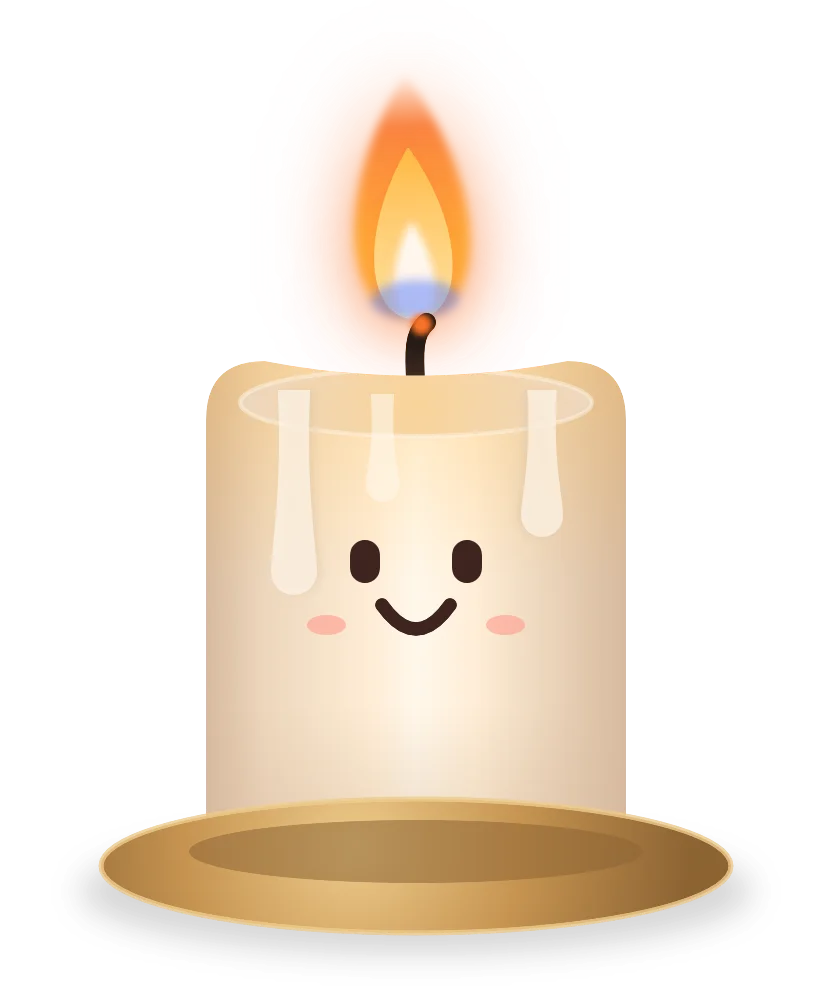
This is 90 minutes of YouTube.
Drag the slider. Wick burns down, and the nudges get blunter as the time runs out.
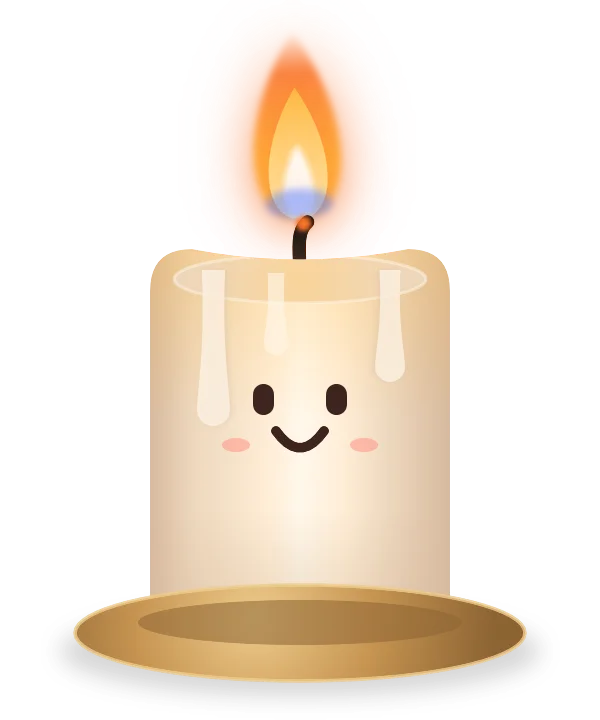

These are the real lines from the app. At 90 minutes your Screen Time limit locks YouTube. Timeframes makes sure you saw it coming.
Give each part of the day its own candle.
With Pro, split an app’s time into windows. Unused morning minutes don’t carry over into the afternoon.


Morning: 45 min
Burned out at 10:40, so Instagram stayed closed until noon.
Afternoon: 45 min
A fresh candle at noon. 20 minutes of wax left right now.
Evening: 30 min
Lights at 7 PM. Outside the windows, your daily limit still applies.
Hard to undo, on purpose.
Tightening works right away. Less time or a new window starts now.
Loosening waits until tomorrow. Adding time at 11 PM won’t help you at 11 PM.
The lock screen has one button. It says Close. No snooze, no “five more minutes.”
Two minutes in Settings make it real.
Set a real lock
Add a Screen Time App Limit for the same apps and the same time. It keeps working even if you delete Timeframes.
Hand over the passcode
Let a partner, friend or roommate set your Screen Time passcode. Need more time? You have to ask them.
Nudges are free. Blocks are Pro.
Free
$0
Forever.
- Countdown nudges for any app
- Today and Screen Time tabs
- Wick, burning down in real time
Pro
$29.99 a year
First week free. Or $4.99 a month.
- Time windows for every app
- A real block when a window burns out
- Full-screen checkpoints at key moments
- Rules you can’t loosen until tomorrow
Your usage never leaves your iPhone. No accounts, no servers, no analytics, no ads.